
How to Integrate DTDC with Aishyp: Account Setup, API Integration & Smart Tracking
Learn how to integrate DTDC with Aishyp in three simple steps: connect your DTDC account, configure the API integration, and track shipments using Aishyp Smart Tracking. This guide covers test account setup, sample API requests, AWB generation, and shipment tracking.
Learn how to integrate DTDC with Aishyp in three simple steps: connect your DTDC account, configure the API integration, and track shipments using Aishyp Smart Tracking. This guide covers test account setup, sample API requests, AWB generation, and shipment tracking.
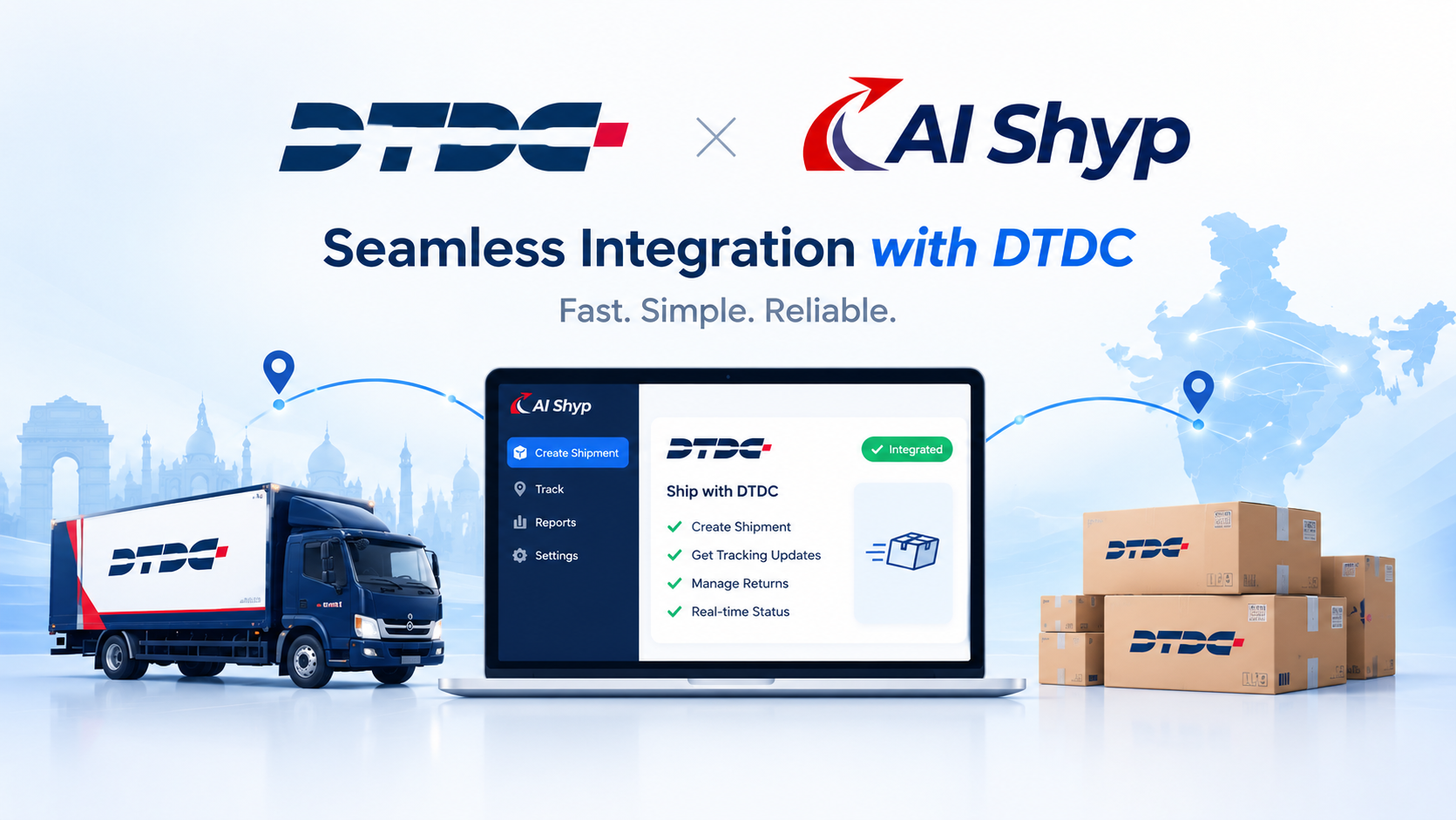
How to Integrate DTDC with Aishyp
Integrating DTDC with Aishyp allows you to connect your DTDC account, configure the required API integration, and track your shipments using Aishyp Smart Tracking.
The complete integration process consists of three simple methods:
3-Step DTDC Integration Process
Method 1: Connect Your DTDC Account
Connect your DTDC account with Aishyp using your DTDC credentials.
Method 2: Configure DTDC API Integration
Configure the DTDC API integration to enable Aishyp to communicate with DTDC and exchange shipment information.
Method 3: Track Your Shipment with Smart Tracking
Use Aishyp Smart Tracking to enter your DTDC AWB/Docket Number and view the latest shipment status and tracking updates.
Connect DTDC Account → Configure API Integration → Track Shipment
Now, let's go through each method step by step.
Method 1: Connect Your DTDC Account
Start by connecting your DTDC account with Aishyp.
Go to Aishyp → Integrations → DTDC and enter your DTDC credentials.
You will need:
DTDC Username
DTDC Password
Test Account Credentials (for testing)
Test Account Credentials
For testing the integration, you can use the test credentials provided for the integration environment.
Note: Use these credentials only for testing the DTDC integration. Do not use test credentials for production shipments.
Test Username: your_test_username
Test Password: your_test_password
Enter the required credentials and click Connect.
Once your DTDC account is successfully connected, you can proceed to the next method.
Method 2: Configure DTDC API Integration
Once the DTDC account is connected, the next step is to configure the API integration.
Aishyp communicates with DTDC through the required API endpoint to exchange shipment and order information.
The basic API flow is:
Aishyp → DTDC API → DTDC Response → Aishyp
API Request
A typical API request contains the required authentication information along with shipment or order details.
For example:
POST /api/order/create
Content-Type: application/json
Authorization: Bearer <API_TOKEN>
Request Body
The request body can contain information such as:
{
"orderNumber": "ORD10025",
"customerName": "Rahul Sharma",
"mobile": "9876543210",
"address": "Delhi, India",
"paymentMode": "COD",
"codAmount": 1499,
"weight": 1.5
}
The API sends the shipment information to DTDC. Once the shipment is successfully created, DTDC returns the corresponding shipment reference or AWB/Docket Number.
API Response
A successful response may look like:
{
"success": true,
"awbNumber": "D123456789",
"status": "Shipment Created"
}
Aishyp can then save the returned AWB/Docket Number and use it to track the shipment.
Note: *The endpoint, authentication method, request fields, and response structure shown above are examples for explaining the integration flow. The actual fields and API specifications may vary depending on the DTDC API configuration*.
Method 3: Track Your Shipment with Smart Tracking
Once your DTDC account is connected and the shipment has been created successfully, you can track your shipment directly through Aishyp Smart Tracking.
Follow the steps below to track your DTDC shipment.
Step 1: Open Smart Tracking
Log in to your Aishyp account and open Smart Tracking from the dashboard.
This is where you can track shipments from your connected courier partners.
Step 2: Select DTDC
On the Smart Tracking page, select DTDC as the courier or shipping partner.
Selecting DTDC tells Aishyp that you want to track a shipment created through your DTDC account.
Step 3: Enter the AWB/Docket Number
After selecting DTDC, enter the AWB/Docket Number of the shipment you want to track.
The AWB/Docket Number is generated when the shipment is successfully created with DTDC.
For example:
D123456789
Enter the number in the tracking field and click Track.
Step 4: View the Shipment Status
After you click Track, Aishyp retrieves the available tracking information for the entered AWB/Docket Number.
The tracking page can display important shipment details such as:
AWB/Docket Number
Current Shipment Status
Current Location
Tracking History
Delivery Status
This allows you to quickly understand the current stage of your shipment without manually searching for the shipment on another platform.
Step 5: Follow the Shipment Updates
Once the tracking details are displayed, you can use the tracking history to follow the shipment's movement and delivery progress.
For example, the shipment may move through different stages:
Shipment Created → In Transit → Out for Delivery → Delivered
The exact tracking statuses and updates depend on the information received from DTDC.
DTDC Tracking Flow in Aishyp
The complete process is:
Open Smart Tracking → Select DTDC → Enter AWB/Docket Number → Click Track → View Shipment Status → Follow Tracking Updates
With Aishyp Smart Tracking, you can easily check the status of your DTDC shipments from one place.
Ready to Launch Your White-Label Shipping Portal?
Deploy your custom domain shipping platform with 14+ pre-integrated courier APIs in 5 minutes.
Related Articles
How to Reduce RTO in Ecommerce (India Guide 2026)
How to Reduce RTO in Ecommerce (India Guide 2026)
Learn how to cut Return-To-Origin (RTO) orders by up to 35% in Indian e-commerce using automated WhatsApp NDR workflows, address validation, and smart courier routing.
Top 7 Reasons for Delivery Failure in India & How to Fix Them
Top 7 Reasons for Delivery Failure in India & How to Fix Them
Discover the top 7 reasons why courier shipments fail in India and learn how e-commerce brands and shipping aggregators can resolve them automatically.